It’s day 5 and I have watched all the tutorials, both those I purchased and the ten (I Believe) that have been added since. This confirms that the @RippleGuys were telling the truth.
This morning I decided I needed to watch the Organizing Media tutorial again. I believe that this will be very handy keeping everything, you know, organized.
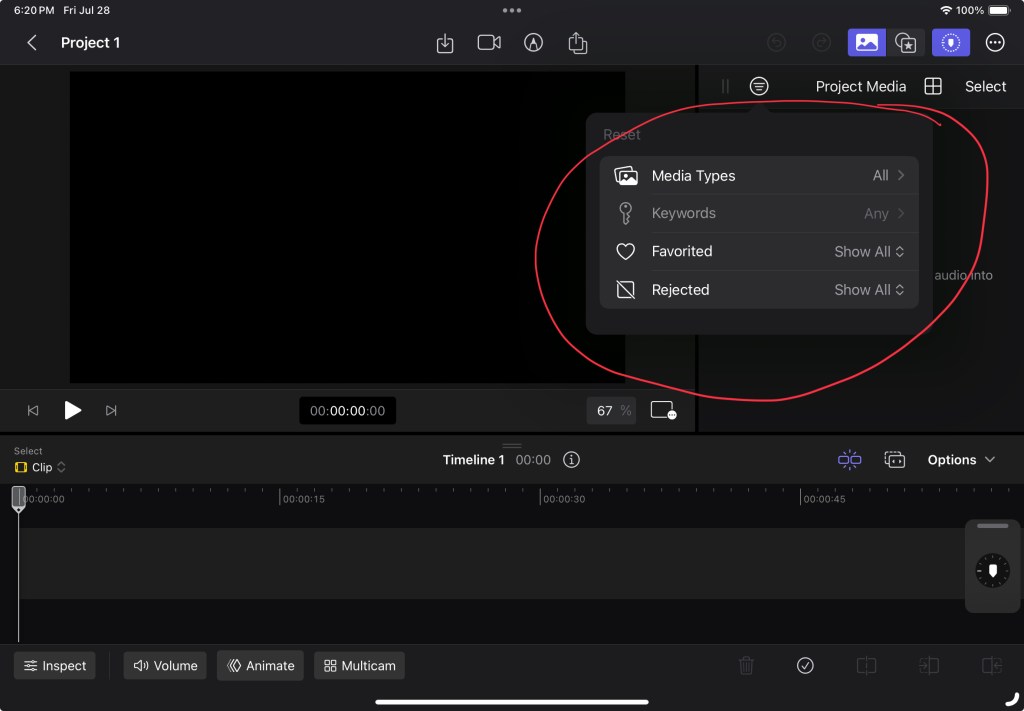
It looks straight forward. I can make some clips favorites, sort in various ways, adjust clips before adding them to a project, and add key words (which can help to organize clips by subjects. All will be very helpful.
I also like being able to touch the screen to work on a project. I mean Final Cut Pro on a Mac is great but there is something about touching a scree to make things happen.
It will take a lot of practice to become confident with all of the functions but that is half of the fun. I am liking this more each day.
Going to be a short post tonight – my cat is demanding attention.
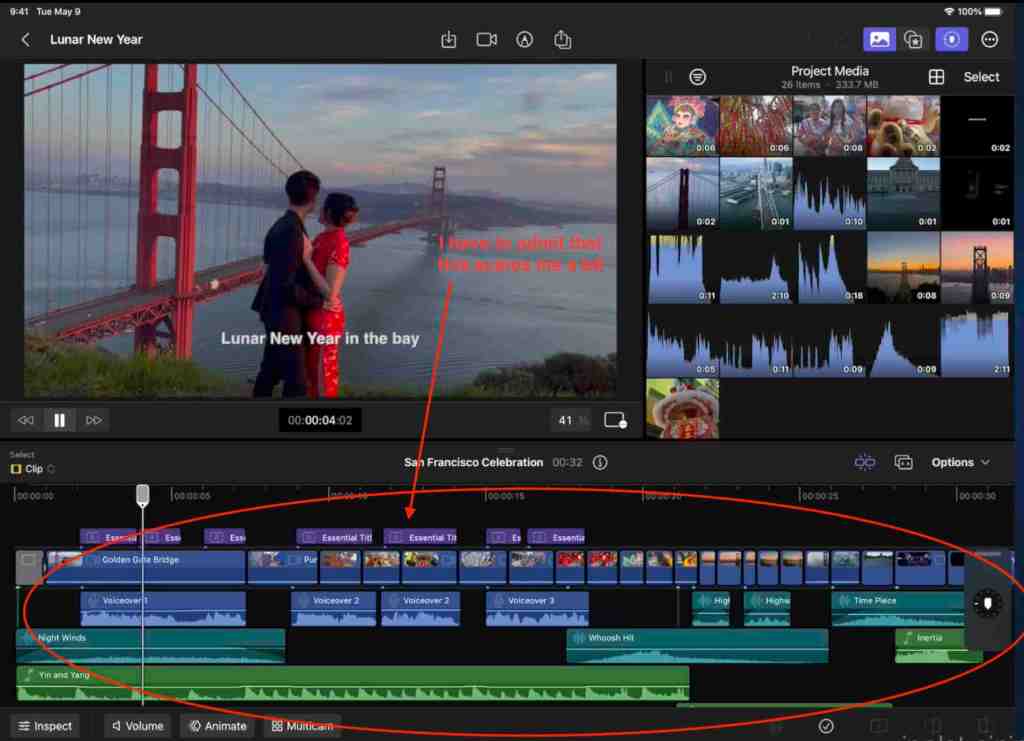
At first glance the Final Cut Pro screen can be a little intimidating. Navigating from section to section or within a section takes some getting used to.
The online user’s guide and the tutorials have been a great help in the learning process. There is a nice section that shows the keyboard shortcuts and I have converted this into a PDF for myself. I like cheatsheets.
Right now I find myself struggling with the desire to have better looking videos and needing to develop the skills to make that happen.
Second video attempt.
I am beginning to feel that I can do this if I stick with it. I only need to take things one step at a time.
First off let me say that the program is Final Cut Pro for iPad, not Finalcut Pro like I called it on Day 1. My bad.
To begin the learning process I have attempted to locate a downloadable version of the Final Cut Pro for iPad user’s guide. I found the Mac version of the user’s guide in Books and, though I do see references to the iPad in the guide, it does not appear to have all of the information to assist with learning Final Cut Pro on the iPad.
I may be missing something, but there does not seem to be a downloadable version of the user’s guide for Final Cut Pro on iPad. I find the on-line version with no problem. I don’t know if I have missed a button or a link, but I cannot find a way to download it. It seems like it should exist though. There is a nice guide for the Mac version
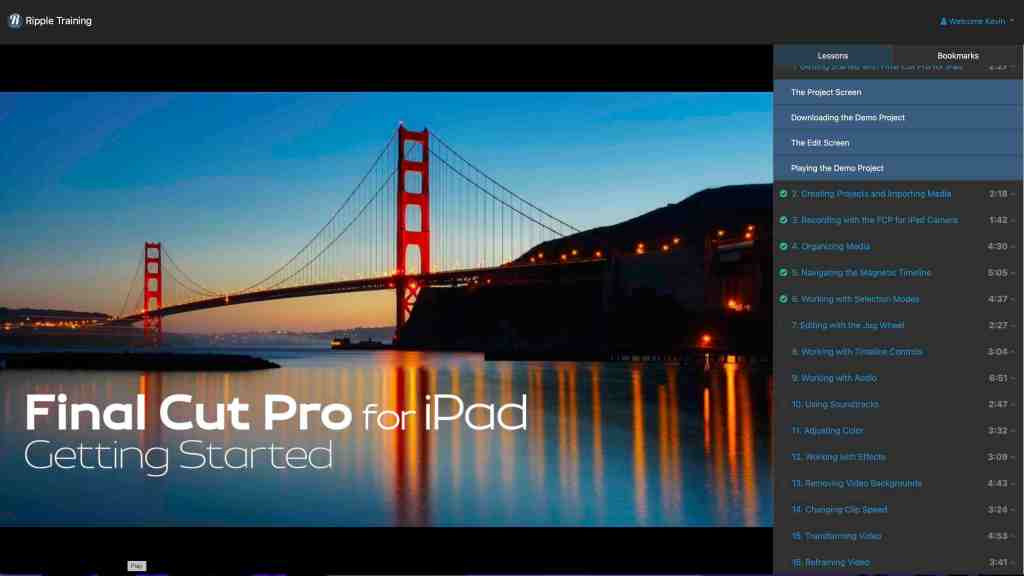
While I was going down the user’s guide rabbit hole I came across a series of tutorials offered by www.rippletraining.com.
Full disclosure: I am not receiving any compensation for mentioning Ripple Training or the @rippleguys on YouTube.
After looking at reviews and some of their YouTube content I decided to purchase this series of videos. The cost was only $19.00 US and looks like they cover all the basics. For $19 what is the downside?
The purchase also says that it will entitle me to any future additions to the tutorial series. I have no experience with Ripple Training so I don’t know if this is something they do for other tutorial series or not. I will let you know if anything is added.
I have begun watching the videos on my laptop while trying to emulate the instructions on my iPad. This has elicited this look from my Cat Moo.
He is not happy that I have another distraction.
The videos are easy to follow. I have needed to go back over some portions to make sure I am catching everything. Other than that they seem to cover things in a logical progression.
One thing that does rattle me a little is the amount of things that seem to be required for a “good” video.
I may have bitten off more than I can chew but I am determined to be better at editing video by the time I’m done with the tutorials than I am today.
I never realized how much work goes into a short video and now have a greater appreciation for those individuals who do this daily.
FYI. I posted the question about a downloadable user’s guide in the @Apple community and a few people have responded that there is no iPad version only the on-line one.
First, let me preface this post by saying this is purely a way to keep track of where I am in the learning process, keep my mind focussed with a goal, and myself honest.
That said….
Over the last few weeks I have had an itch to purchase an 11” M2 iPad Pro. I have checked the Best Buy website for sales and “Open Box” deals. I have driven to the Apple Store to look at the aforementioned 11” M2 iPad Pro. I have gone through the online purchase process, looking at the trade-in value of my 11” M1 iPad Air and going all the way right up to the cliff’s edge of purchasing, but eventually talking myself down.
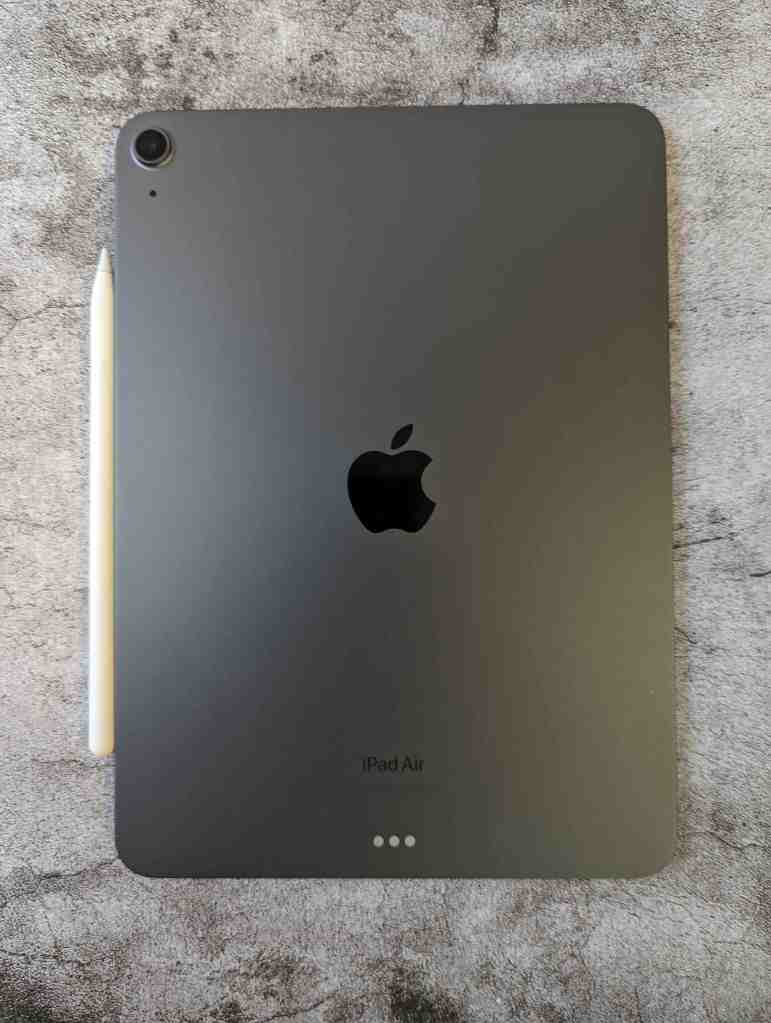
I tell myself I have a perfectly good 11” M1 iPad Air, which is true.
I don’t need an 11” M2 iPad Pro.
Also true.
But the itch never fully goes away. I find myself circling the online Apple Store like prey.
During these obsessive episodes the impulsive portion of my brain throws out numerous wonderful reasons for the switch.
I could be soooo much more productive with an M2 chip.
The display of the iPad Pro has a 120hz refresh rate, DOUBLE that of the iPad Air!
The 11” M2 iPad Pro has Pro Motion.
It has an ultra wide camera.
It can record 4K video.
It has Face ID.
It has a Thunderbolt port.
It has quad speakers.
It has the Apple Pencil Hover feature.
With all these reasons for the iPad Pro why would anyone not buy it?
Yes, why would anyone not buy it?
During my struggle over this purchase I have done research, watched comparison videos, and review videos. I have tried to discover what is coming down the pipe with the M3 iPad Pro. All of this has not helped resolve the issue in my mind.
For every video telling me to wait or saying the iPad Air is a fine, capable device there are as many telling me how great the M2 iPad Pro and I should purchase it.
I needed some way to apply the brakes, take a step back, and focus.
When Finalcut Pro for iPad came out I grabbed the free trial version and played around with it. When the trial ended I purchased the app and then promptly ignored it.
Yep.
So to keep my urge under wraps I have made a bet with myself; learn Finalcut Pro on the iPad and I can purchase either the M2 or the M3 iPad Pro. Don’t and the iPad Air will be my go to for the foreseeable future.
This is Day 1 and already my mind is looking for an out.




 My Final Cut Pro