@Apple, @JustSpices, Final Cut Pro, iPad Air, M1, Project, things-i-enjoy.com, Uncategorized, Video

Day 15 – A lot harder than I thought….

So yeah, this turned out to be harder than I thought.

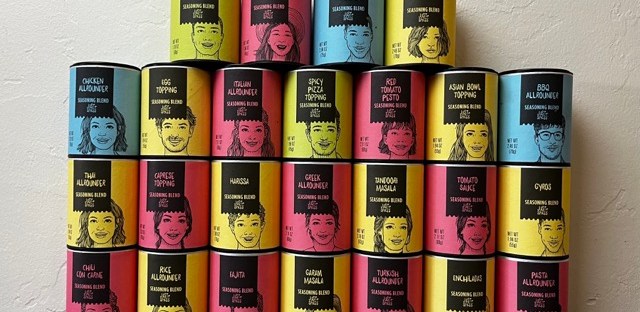
I wanted to make an introduction that would quickly showcase all of the @JustSpices seasoning blends that I am going to review with the final frame landing on the blend that I would be using for the review.

I thought I had been spot on with all of the pictures and, only looking at them through the camera display, they looked right. After importing them to Final Cut Pro and running through the video I quickly saw that was not the case. If you watch the video you too can experience what it’s like to film a video during an earthquake.

I need to figure out how to place each seasoning container in the same place for each shot. I also need to rely on a tripod instead of holding the camera with my hands.

I thought it would be simple but it is not.

Lesson learned.

I will do a little brainstorming, figure it out, and do a reshoot.

Problem solved.

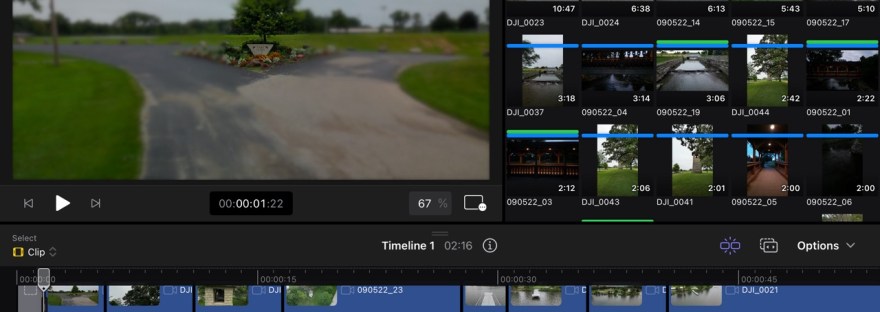
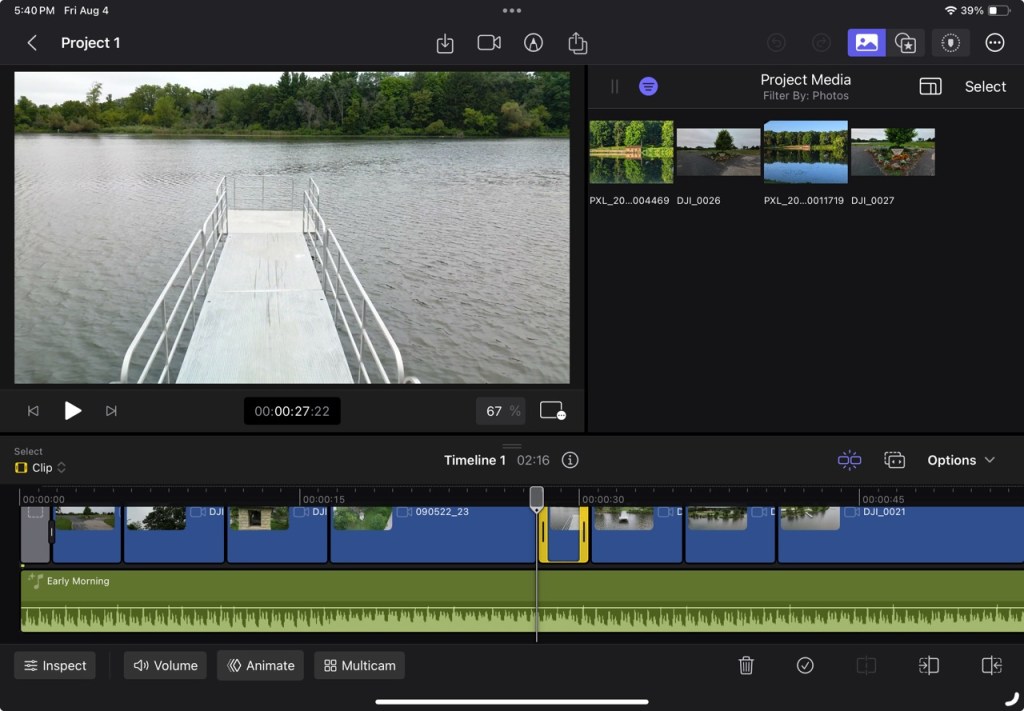
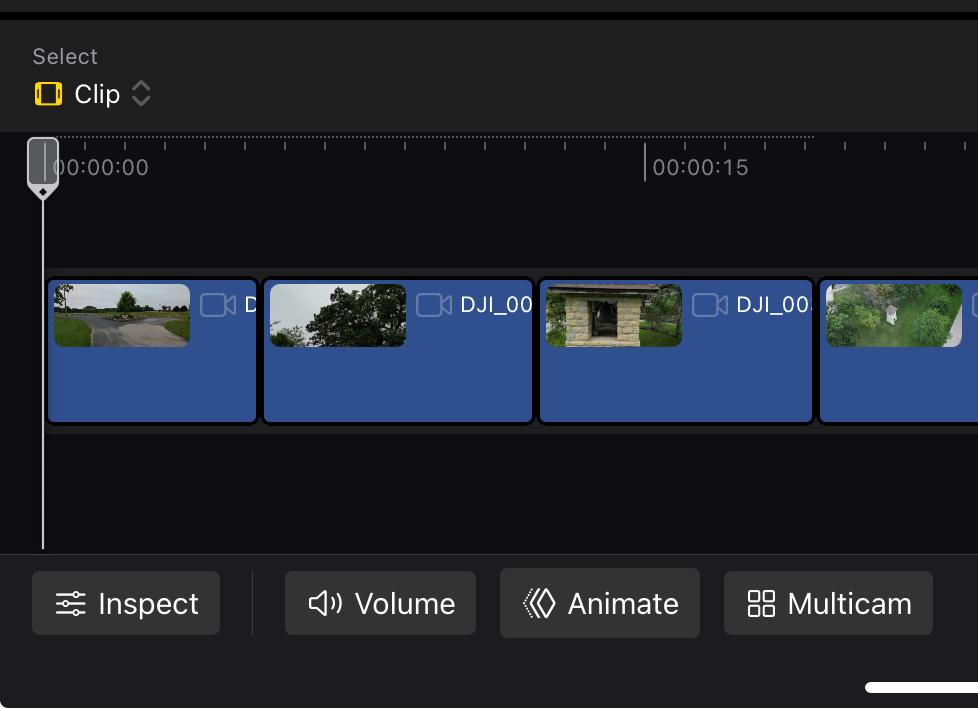
Another thing I discovered about Final Cut Pro is that it is not set up to easily edit a collection of photos into a quick, short duration video. I had to trim each picture down after importing them into my timeline.

The soundtracks also allow only so much trimming. I could not figure out how to trim the soundtrack down to the duration I needed. I ended up having to export the video (thank you Airdrop) to my iPhone, trim the video so it ended where I wanted without the extra soundtrack playing to a blank screen, and then Airdrop it back to my iPad. I am going to see if I can find an easier solution.

Or it could be that I don’t know what I am doing.

I have a bit of work ahead of me, but I also think I have a good idea about what’s needed to accomplish it.

That’s where I’m going to leave it for tonight.

I hope you all are well.

@Apple, Final Cut Pro, iPad Air, M1, Project, things-i-enjoy.com, Video, YouTube

Day 14 – A new project….

I have an idea for a new project. Something that will help me become more comfortable using Final Cut Pro and result in another asset for my other blog.

I spent the morning shooting some new video and taking a number of stills. Now all I need to do is combine them into something that looks good.

From what I have thought about and learned with the last project I was able to break down what I wanted to do with some bullet points. If I do this correctly I will not only have a nice video, but also introductions for twenty three reviews. I’m excited to see if I can pull this off.

@Apple, Final Cut Pro, iPad Air, M1, Video, YouTube

Day 13 – Now what….

@Apple, @rippleguys, Final Cut Pro, iPad Air, M1, Video, YouTube

Day 12 – the $64 question….

So, it’s day 12 and I think this is where I’m going to say the video is finished. 

I feel that it’s OK to say that. 

I don’t think that it’s an amazing video. I certainly don’t think it’s a perfect video, but I believe it’s a lot better than the original. That’s what I was shooting for.

This process has taught me a lot.

I need to plan out what I’m shooting instead of hoping the footage I take will somehow allow me to piece it all back together and make a decent video from it. I don’t know if that means having a list of bullet points for the shots I would like or if it will mean doing a quick storyboard to plan the shots and sticking to that. Either way, better planning should make for better videos. It will also save me time in the editing process.

Another thing that I’ve learned is the need to keep things simple. While I was going through the final steps, I had to resist the urge to put transitions between each clip. I had to keep telling myself that each clip didn’t need some sort of effect to make it good. Prior to working on this project, I really thought every clip needed to have an effect. Before taking the time to watch the tutorials, to watch other creators, and to look at the user guide, it seemed like if an effect was available, then each clip should have one.

Simple is better.

Is this video perfect? No.

There are things I see in it I wish I had done differently. I should have taken more still photos with my drone. There are places in the video that I would have liked to have added a still shot to, but I didn’t have it available. I believe as I take more footage, I will have that thought in my head. I need to think about what I am shooting and take a few pictures, so I have them available. I may never use them, but they would be available if I needed them.

Does finishing this video make me an expert at Final Cut Pro? No.

I consider the bet I have with myself to be ongoing. I do feel more comfortable using the software, but it isn’t intuitive for me. I want to get to the point where I remember how to do things and I don’t have to look at notes or go back over a tutorial to find what I want to do. I want to develop that muscle memory.

I’m going to continue with the blog. I’m going to continue to post pictures and videos, And I’m going to continue to learn to use the app and become more comfortable with it. That’s the only way I’m going to learn.

I still have a couple of months before the new iPads are announced that gives me the time, I need to become more comfortable with the app.

On a side note, one of the things that I have come to appreciate with using an iPad, a MacBook Air, a Mac mini pro, and an iPhone is AirDrop. It was very nice being able to share things that were saved on one device with another with the touch of a couple of buttons. I don’t believe I’m an apple fanboy, but I do appreciate the ecosystem.

That’s it for tonight. I’m heading off to bed. I hope that you all have a good evening and I look forward to continuing my journey with Final Cut Pro.

@Apple, Final Cut Pro, iPad Air, M1, Video

Day 11 – The best laid plans….

Yeah, I know, a tad melodramatic.

I have added some stock music that @Apple provides in the app and am in the process of trying to have everything sync the way I think it should (the way other Youtubers say it should at least). That is an exercise all on its own. I have gained an appreciation for the jog wheel. It has allowed me to be very precise (I hope) in placing videos in line with the music.

It is also good to be able to use the Apple Pencil in the editing process. I like using it to scrub through videos. It seems to allow for a smoother flow than my finger does.

That said, after spending a couple of hours working to get everything just right I ended up with a video that did not quite sync with the music. 

I think it may be that I imported the music but did not sync it to the end before I started tinkering with everything. When I had very thing the way I wanted it I collapsed the soundtrack to the end of the video and voila, everything was now just a smidge out of sync.

Lesson learned.

I will attempt another sync tomorrow and hopefully have the rough version that I can add some polish to.

Thanks for listening to me tonight.

I hope you all enjoy your evening.

@Apple, Final Cut Pro, iPad Air, M1, Video

Day 10 – Self Improvement….

I began placing videos in my timeline today. 

Final Cut Pro makes it very easy to select and place videos in the timeline. Once you get the hang of it becomes intuitive to do this. I can see why a lot of people like to use this software.

Even though it’s easy to do this it made me nervous and a little excited to be working on my project. Nervous because I feel like this needs to be perfect and be the best video that I’ve ever made. Excited because I want to see how it turns out well.

The whole time I was working there was a small voice in the back of my mind telling me that I don’t know what I’m doing and that no one cares about any of this. I kept telling myself that it doesn’t matter and that I’m doing this for myself. I can’t help but wonder whether there will be improvement. 

I know it’s only a small video in the grand scheme of things, but I really do want it to be good. I mean, why learn something new and spend all this time doing it for nothing. If I don’t improve, and if this project isn’t better than the original, I have wasted my time and my money.

One thing I do know is that I have put more thought and more effort into this project than I did the original. I think the preplanning turned out well. Now it’s just a matter of putting the shots in the proper order, tweaking them so they look like I want them to, and adding some final polish to it all.

It is already taking me longer to do this one compared to the original. The first attempt at this project took about two hours. I have already devoted 10 hours to this project and I still probably have 6 to 10 hours to go yet. There definitely is plenty of time and effort invested in making a decent video.

I’m going to end here for the night. My fuzzy cat wants my attention so I’m going to go play with him and scratch his head some.

@Apple, Final Cut Pro, iPad Air, M1, Video

Day 9 – Let me look at that again….

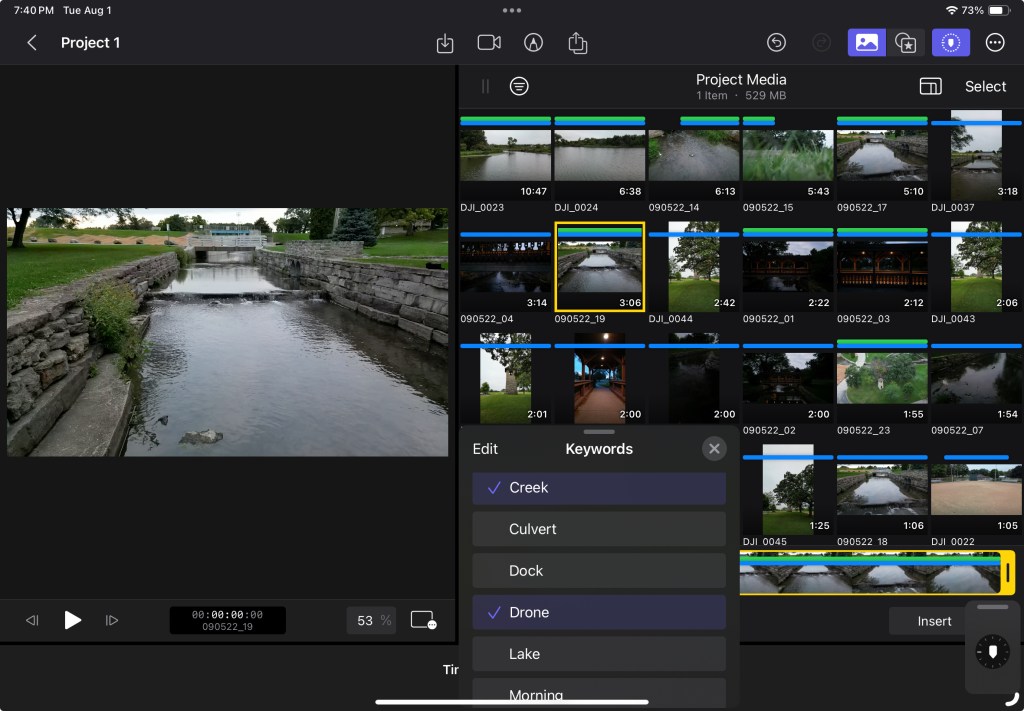
Yesterday I spent a good chunk of time looking through the videos that I had shot and assigning keywords and scrubbing through to see what sections I like to each video and which I didn’t. I thought I was done with all of that but then I started looking at them and went through the whole process again today.

I don’t know if everyone goes through that if they walk away from a project and then come back to it or if it’s just some weird mental hang up, I have. Part of my brain was saying I was being compulsive while the rest said I had every right to do what I wanted. Either way, I do feel everything is categorized the way I want it now. So that’s an accomplishment in itself.

My brain though is saying that I wasted my time yesterday doing the same thing.

I have decided that I’m not going to change any of the keywords. I am also going to try and use all the videos as is without any additional tweaking. I don’t know how rational of a decision that is especially when I start putting all the videos in a timeline, but I’m going to try.

I am also beginning to remember what I must do to favorite a clip add a keyword so I’m developing a kind of muscle memory for final debt pro on iPad. That makes me feel pretty good.

I had to go back through some of the tutorials to remember how a video gets reversed. There are quite a few videos in the footage that I shot backwards for some reason. I don’t remember why but I realized that they needed to be reversed or they really didn’t make sense.

I also shot quite a few in slow motion so they need to be speeded by about 500% to make them fit with the other clips. Both reversing the clip and increasing the playback speed are in the same general portion of the app, so it was pretty easy to do both.

That’s it for this entry my cat is telling me that I’ve ignored him enough this evening and he wants attention.

Tomorrow begins the real work.

@Apple, Final Cut Pro, iPad Air, M1, Video

Day 8 – Every journey begins with a single step….

So, I looked through all the files for the project and started adding favorites and keywords and trying to scrub through the videos to see what I’m going to use and what I really don’t like about each shot. It’s a lot harder than it looks. I tried to have enough keywords so that I could find exactly what I’m looking for in the videos. 

I also don’t remember having shot that much video. It has been a couple of years, but I really spaced that. It also made me think about how much space all these videos and pictures are taking up. I think I need to have them organized better. I also need to go through them and eliminate the ones that I don’t like.

The process has made me look at the shots and think about how they can all tie together. There should be some logic to the video not just a hodgepodge of different things. I’m trying to figure out what it is I’m trying to say in the video and why I want to say it. I’m trying to figure out how to organize my thoughts or maybe storyboard my ideas to have some logical progression. So, this has ended up being a good exercise.

The amount of time that is involved with this makes me appreciate what others who do this on a weekly basis go through. I’m just trying to do one little project and it seems like it’s taking me forever. How long does someone making a 15, or 17, or 30-minute video every week invest? I can see how it becomes a full-time job.

Yesterday, I thought the video I end up with might not be the same length as the original, but after looking at all the footage I have, it might be close. 

It’s also nice looking back and the videos I took and thinking about why a shot was interesting at the time. Seeing the subject and how it was captured by the drone’s camera. Seeing how some shots changed because of height or coming at it from a different angle. It’s been an exercise in self-awareness.

So that’s where I’m going to end for tonight. I have a lot of work ahead, but I’m also motivated to get it done and to see how things turn out. I don’t know how long it’s going to take to finish this project. I’m hoping not too long but I’m trying to give myself time, so I don’t rush it and end up with a video that I don’t l like.

@Apple, Final Cut Pro, iPad Air, M1, Video, YouTube

Day 7 – Drum roll please….

Well, I decided that I’m going to redo my video of lake Leotta Park.

Looking at the video as it is right now the first thing that I’m thinking is that my redo is going to be a lot shorter than the original (2:56). I just get the sense that with what I’m learning from the tutorials, and looking at other sources online, the video that I shot it’s probably going to be about half of what it is right now.

So, I downloaded the original video files that I had for the first video, and I have them on my iPad Air now. I haven’t really done anything with them besides look them over. I haven’t assigned them any keywords or made any of them favorites. I just have them in a folder on my iPad. All the fun begins tomorrow.

My cat moo has been annoyed and with me lately spending so much time on an app. He kept bumping my legs with his head, so I had to give him some attention today.

The real work begins tomorrow, and I think it’s going to be a lot of fun.

@Apple, Final Cut Pro, iPad Air, M1, Video, YouTube

Day 6 – There’s a method to the madness….

OK, so I’m trying to figure out how to determine whether I’ve succeeded in my bet.

I mean, how do I judge whether I have become fluent with the Final Cut Pro for iPad app?

I guess the only way that I can judge of that for myself is to look at what I’ve done previously and then see how/if I improve.

What I think I’m going to do is take one of the first videos that I did on the Final Cut Pro for Mac version and see what I create by using the same video files but doing everything on the iPad version.

Is that a good method to judge this by?

I don’t know.

It’s definitely not very scientific.

I already have the mindset that the video is not good and can be improved on.

BUT….

It does, however, allow me to focus on the:

1) 60 plus hours of drone video I’ve shot over this past year and not used.

2) look at all the photographs I’ve taken and not used.

Evansville Wildlife Area

AND

3) look at what I’ve spent time on over the last year with no real purpose. 

I’m hoping that it helps me focus and that’s something I desperately need. I tend to move from project to project instead of giving one project all my attention. I’ve never been diagnosed but I really think I have ADHD.

Magnolia Bluff

I tend to get interested in something, learn about it, play with it for a while, then get bored with it and move on to the next bright shiny object. Like somehow this thing will fill a need or make me feel better and I do for a while but then I’m right back to looking for the next thing and the next thing after that. I guess what I’m saying is that I want to start doing one thing well instead of a lot of things half assed (pardon my language).

So, with that in mind I’ve gone over the last few videos that I’ve done with Final Cut Pro for Mac and have chosen three where I like the content, but don’t like the final product. Now I just have to figure out which one I want to focus on and go with that. 

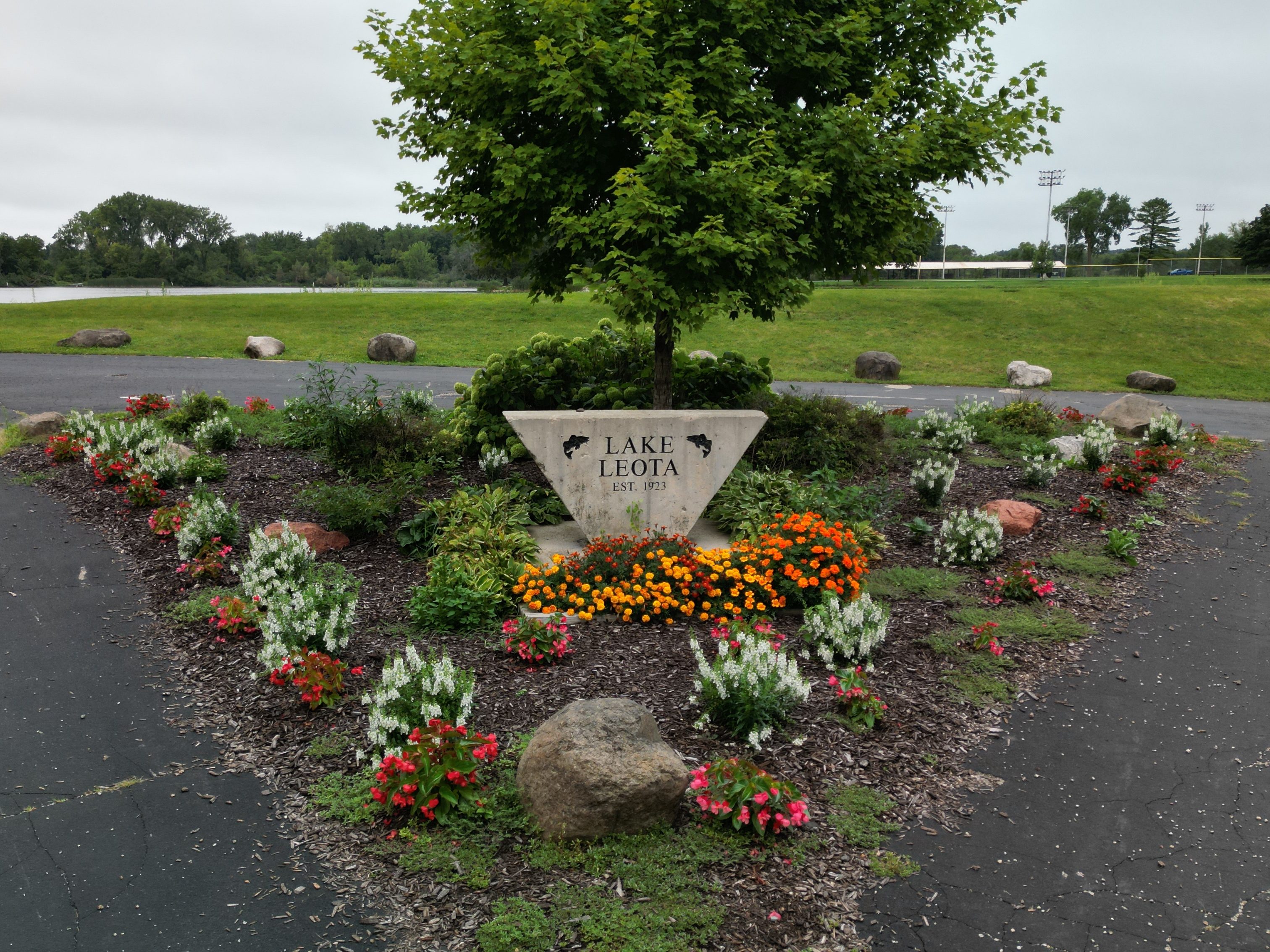
Lake Leota

I hope to have that decision made by tomorrow’s blog. I will then upload that video to my YouTube channel so that it’s available for anyone to see. Then I’m going to start working with the same files but on the iPad version of Final Cut Pro and see what I can come up with.

I’d like to give a thank you to anyone who is reading this, and I hope that you find the journey interesting.

That’s it for now though I have a lot of work ahead of me.