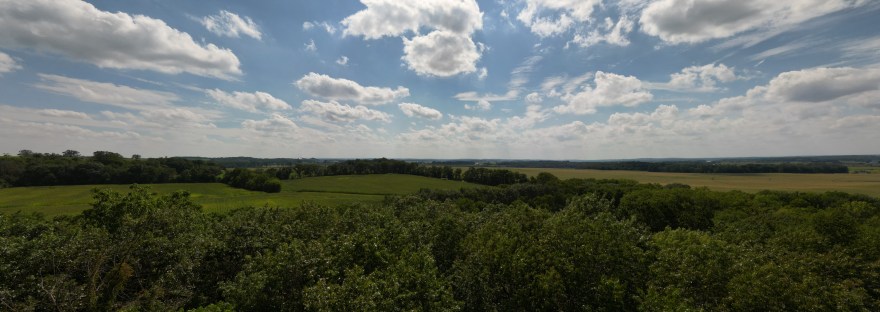
A colection of drone footage. The DJI Mini 3 Pro is an amazing device and the pictures and video it can produce never disappoint.
Clouds and sunlight are a beautiful, vibrant mix of visual pleasure. Being able to shoot video at a couple of hundred feet above the earth makes it even better.
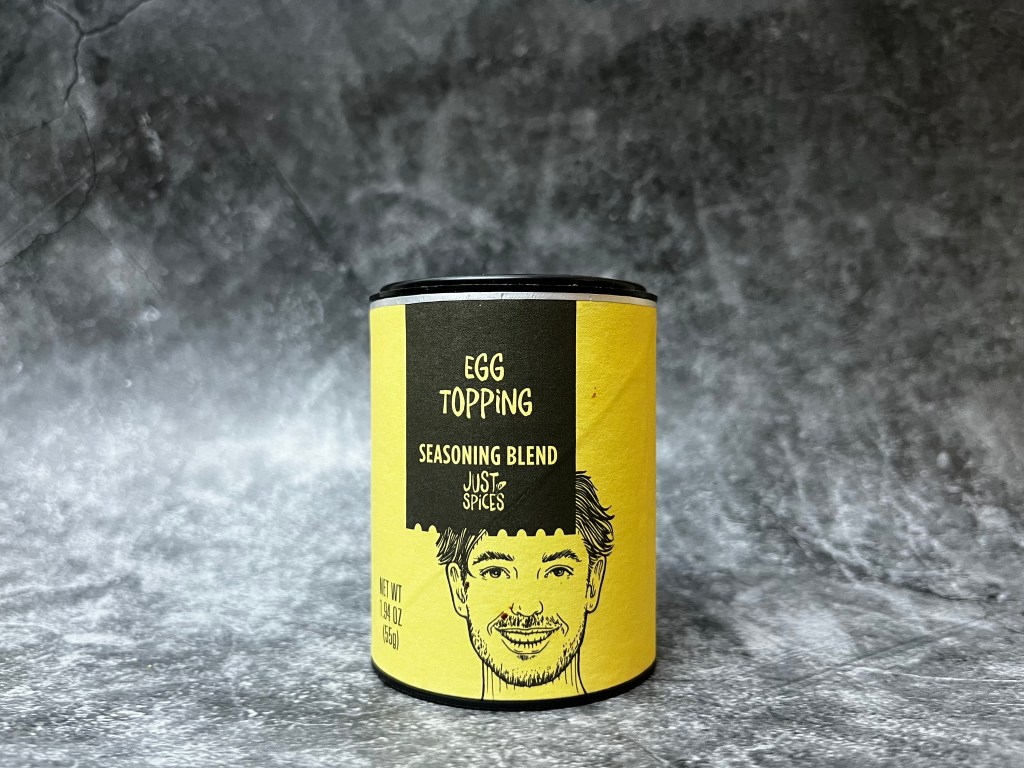
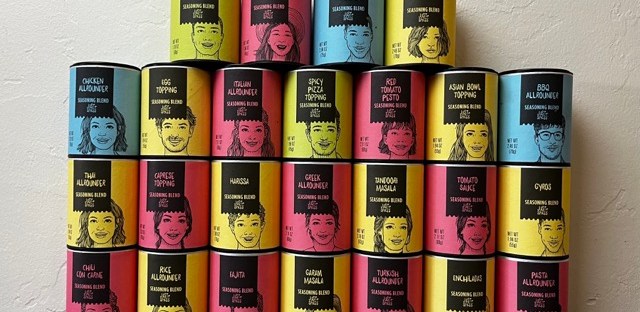
This evening has been spent repeating the video creation process for each of the twenty-four @JustSpices Seasoning Blends I have in my collection. Thanks to the template I made this has been a relatively smooth process. More a matter of making sure I had things aligned properly and then going through the export process.
About a third of the way through I began wondering if I should change the soundtrack for each video. After much consternation I decided that would be ridiculous. Quite a bit of busy work and another way to distract me from having everything finished in a timely manner.
So I resisted the urge to dive headfirst into Garage Band and waste four or five hours trying to come up with differing soundtracks. I have confined myself to the task at hand and now possess twenty-four individual blog intros.
It may not seem like a great accomplishment, but trust me, it is.
Now all I need to do are the reviews.
I also need another idea to work on with Final Cut Pro.
Mark Twain once said: “The secret of getting started is breaking your complex overwhelming tasks into small manageable tasks, and starting on the first one.”
That’s what this feels like.
I have a complex overwhelming task. My brain keeps playing the same old tapes. Why am I even trying to do this. I won’t succeed. There is no way I will ever become proficient with Final Cut Pro. No one cares. And that is where I am right now.
I am still plugging away. I worked on refining the intro. It was much quicker the second time around. I had a clear idea of what I wanted and a better understanding of how I needed to do it.
Importing the pictures was a snap and then scrubbing through them to make each the proper length took very little time.
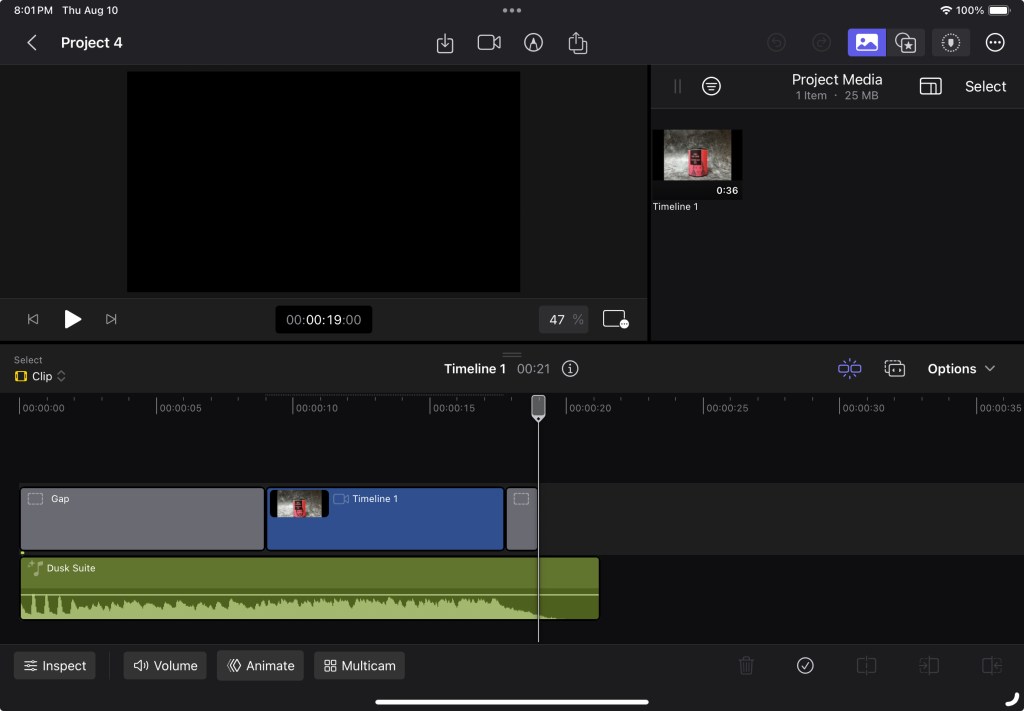
To save time I exported the video before I added a soundtrack then imported it into a different project and adjusted the playback speed until I had it where I wanted it to be.
I wanted something that would move quickly but not be too short and go by in a blur. Nine seconds felt about right and adding a place holder for the subject of the review would allow me to make subsequent videos easily.
The hardest part was getting the soundtrack to be the length that I needed. I ended up having to add a filler to the beginning of the timeline and adjust the soundtrack so it began and ended where I wanted it to. The I exported it and airdropped it to my phone. I trimmed the video on my phone and airdropped it back to my iPad. There may be an easier way to do this, but I do not know it.
I made a new project, imported the video, and named it “Template” so I remember to not delete it.
I am going to make all of the intro videos I need and save them to an external hard drive, so I have them in a safe place to grab them from when I need them.
I am hoping it will be as easy as that sounds.
That is about it for tonight. I hope all of you are well.
I had to figure out a way to hold the @JustSpices containers in the same spot for each picture without being complex or visible in the pictures. I also had to anchor the camera so it didn’t move throughout the process.
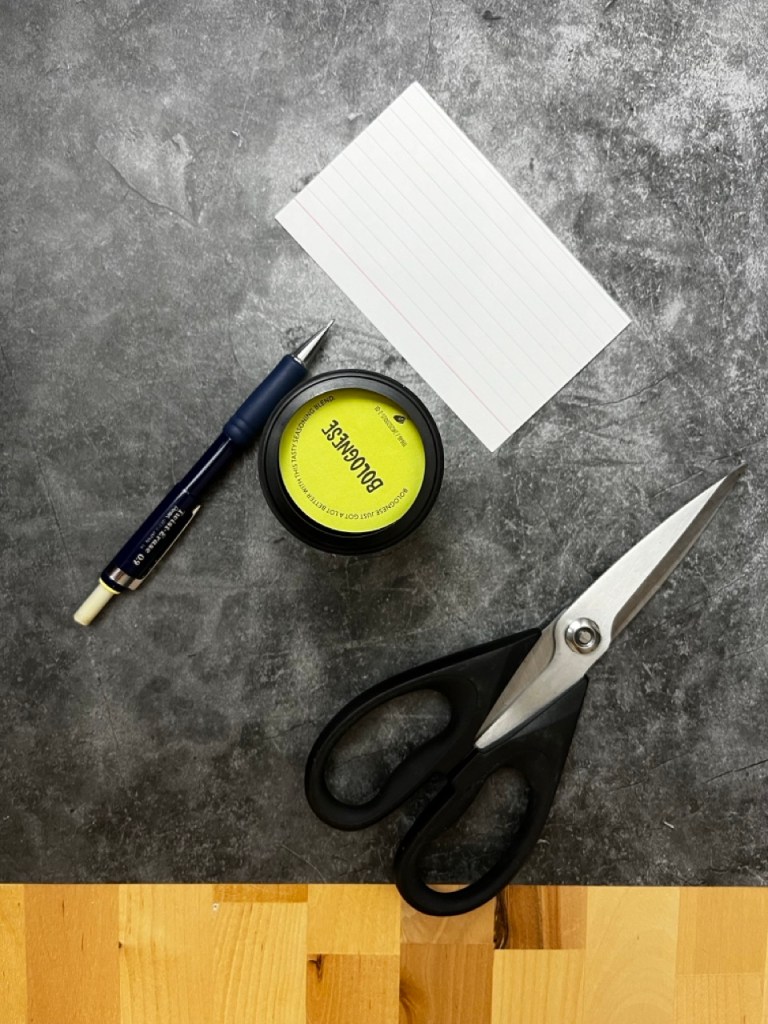
The containers have a plastic top and bottom. Both have a cavity. I couldn’t use the top to anchor the container without it being visible. I would need to put something under them. It needed to hold each in place but at the same time allow the containers to be switched easily.
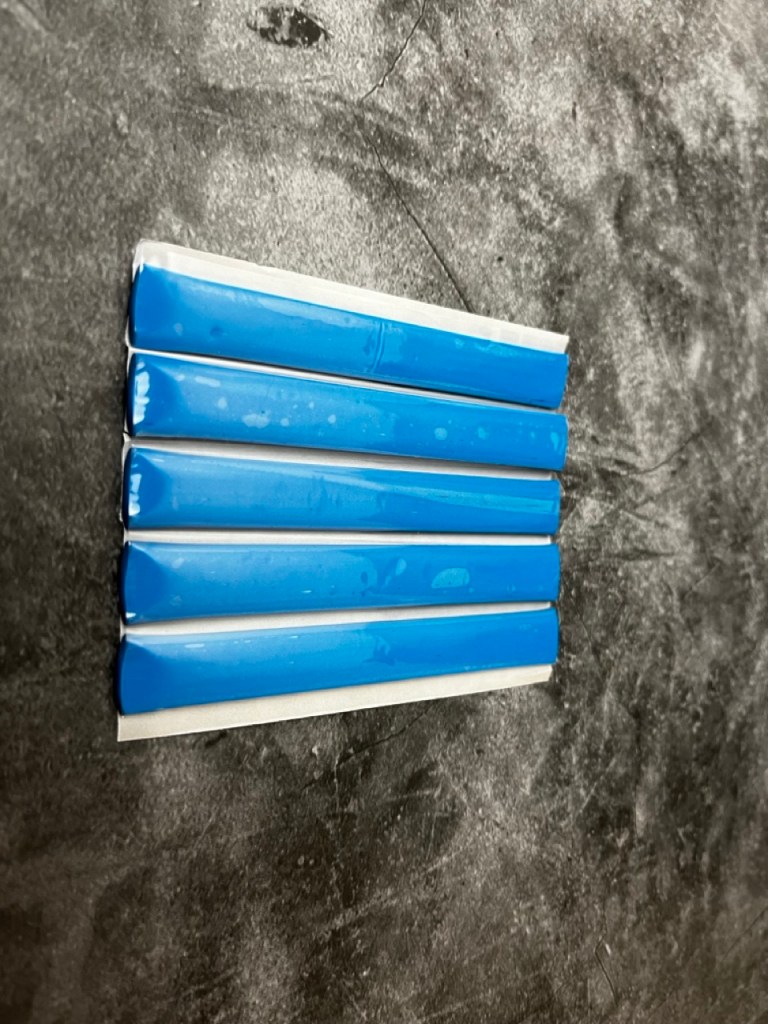
I decided that a disc, slightly smaller than the inside diameter of the cavity would be the best solution. Each container would end up in the same relative spot in relation to the camera and the backdrop. It would also allow the containers to be switched out easily. Using a small piece of modeling clay would keep the disk in place but not have the potential to damage my backdrop.
I used some modeling clay to anchor the camera stand and to make sure the camera didn’t move I used my watch to trigger the shutter.
After everything was set up I took all of the photos that I would need. The amount of time it required was much shorter than previously. I would like to think the ease was at least in part a result of my planning but can’t swear to it.
I did not have time today to research making a short video in Final Cut Pro to see if there was an easier way to string the pictures together and sync the soundtrack to such a short video.
That’s all for tonight. I hope that you all are well.
So yeah, this turned out to be harder than I thought.
I wanted to make an introduction that would quickly showcase all of the @JustSpices seasoning blends that I am going to review with the final frame landing on the blend that I would be using for the review.
I thought I had been spot on with all of the pictures and, only looking at them through the camera display, they looked right. After importing them to Final Cut Pro and running through the video I quickly saw that was not the case. If you watch the video you too can experience what it’s like to film a video during an earthquake.
I need to figure out how to place each seasoning container in the same place for each shot. I also need to rely on a tripod instead of holding the camera with my hands.
I thought it would be simple but it is not.
Lesson learned.
I will do a little brainstorming, figure it out, and do a reshoot.
Problem solved.
Another thing I discovered about Final Cut Pro is that it is not set up to easily edit a collection of photos into a quick, short duration video. I had to trim each picture down after importing them into my timeline.
The soundtracks also allow only so much trimming. I could not figure out how to trim the soundtrack down to the duration I needed. I ended up having to export the video (thank you Airdrop) to my iPhone, trim the video so it ended where I wanted without the extra soundtrack playing to a blank screen, and then Airdrop it back to my iPad. I am going to see if I can find an easier solution.
Or it could be that I don’t know what I am doing.
I have a bit of work ahead of me, but I also think I have a good idea about what’s needed to accomplish it.
I have an idea for a new project. Something that will help me become more comfortable using Final Cut Pro and result in another asset for my other blog.
I spent the morning shooting some new video and taking a number of stills. Now all I need to do is combine them into something that looks good.
From what I have thought about and learned with the last project I was able to break down what I wanted to do with some bullet points. If I do this correctly I will not only have a nice video, but also introductions for twenty three reviews. I’m excited to see if I can pull this off.




 My Final Cut Pro