The purchase of the Pixel 8 Pro has brought many things to my love of #pixel, but I am a bit embarrassed to say that, even though I have had Night Sight since my Oh-So-Orange 4 XL, I have just thought of stringing together the one second videos that are produced when I take a Night Sight photo. How’s that for a run-on sentence?
While I have loved using my phone to take low light photos since my Sunshine Yellow Lumia 1020, the Night Sight feature on Pixels has opened the night sky to me. It is always amazing to see how many stars are actually in the sky at night.
The thing I had missed in the reviews and videos was that a one second video was produced when taking a long exposure Night Sight photo. For me, the photo must be 2 minutes 34 seconds or longer for the app to produce a video. The video is a time lapse of the photo. While I thought the videos were interesting, I never thought to take a series of photos and the combine the resulting videos into a string and make one time lapse video. That is until recently.
There can be something eerily beautiful with these photos
So I am going to continue to play with this and see what can be produced.oogle
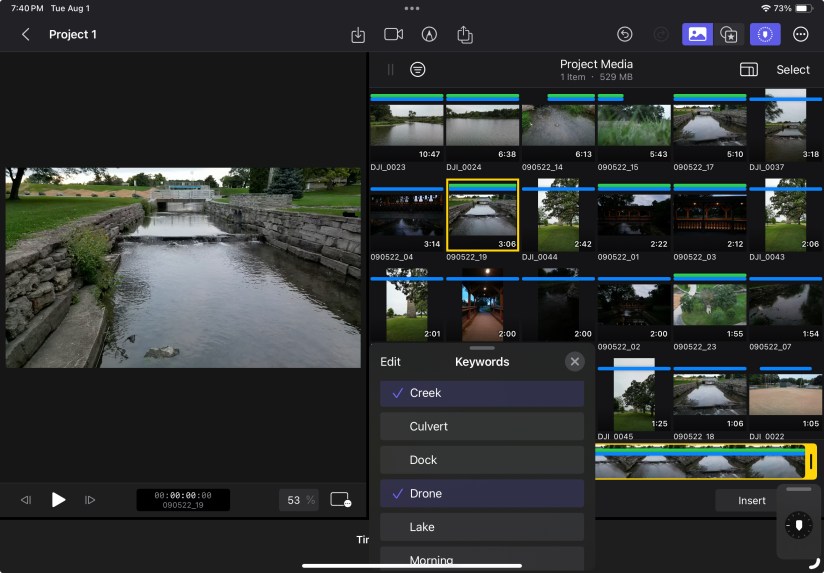
A colection of drone footage. The DJI Mini 3 Pro is an amazing device and the pictures and video it can produce never disappoint.
Clouds and sunlight are a beautiful, vibrant mix of visual pleasure. Being able to shoot video at a couple of hundred feet above the earth makes it even better.
It started with the Mac version of Final Cut Pro. I was looking for something that was more powerful than iMovie and the more I looked into what people were using, the more I liked what I saw.
All of the reviews I read or watched said the interface of Final Cut Pro was great for its exceptional design and user-friendliness, which contribute to its reputation as one of the top video editing software options. There are several factors that contribute to making the Final Cut Pro interface so good:
Intuitive Layout: The layout of Final Cut Pro’s interface is well-organized and intuitive. The magnetic timeline, for example, simplifies the arrangement of clips, effects, and transitions, making it easy to create a seamless flow in your project.
Customizability: Final Cut Pro’s interface can be customized to suit individual preferences. Users can arrange and resize panels, adjust workspaces, and create layouts that match their specific workflows. This adaptability allows editors to have a workspace that suits their needs.
Drag-and-Drop Functionality: The software’s drag-and-drop functionality makes it incredibly simple to import media, move clips around, and apply effects. This fluid interaction reduces the learning curve and enhances the editing process.
Thumbnail and Waveform Views: The visual aids in Final Cut Pro, such as thumbnail views of clips and waveform displays in the audio tracks, provide editors with an at-a-glance understanding of their content. This helps in making precise edits and adjustments.
Keyboard Shortcuts: Final Cut Pro offers a wide range of keyboard shortcuts that can significantly speed up the editing process. These shortcuts allow users to access various functions without navigating through menus, boosting efficiency.
Minimalistic Design: The design of the interface is clean and clutter-free. This minimalistic approach ensures that users can focus on their editing tasks without distractions, resulting in a smoother and more productive workflow.
Real-time Preview: The real-time preview feature allows editors to see changes as they are made, whether it’s applying effects, transitions, or color adjustments. This instant feedback helps in making informed decisions during the editing process.
Consistency with Apple Ecosystem: If you’re already familiar with other Apple software and products, you’ll find Final Cut Pro’s interface consistent with the design language of the Apple ecosystem. This consistency makes transitioning from other Apple applications smoother.
User-Centric Design Philosophy: Apple is known for its focus on user-centered design, and Final Cut Pro is no exception. The interface is designed with the user’s needs and preferences in mind, ensuring that tasks can be accomplished with ease.
Regular Updates: Apple frequently updates Final Cut Pro with new features and improvements. These updates often include refinements to the interface, ensuring that it remains up-to-date and continues to meet the evolving needs of editors.
In essence, the interface of Final Cut Pro excels in its user-centric design, providing a powerful yet accessible platform for video editing. Its thoughtful layout, ease of use, and adaptability contribute to its popularity among both beginners and experienced editors.
G.K. Chestertonsaid, “There are no uninteresting things, only uninterested people.”
I feel the need to apologize for my activity, or lack thereof. What I find interesting, going back over the Final Cut Pro tutorials and doing research online, is interesting for me but I don’t think others are finding it the same. For me, reviewing and studying how to use the app is bringing me closer to my goal. That makes it interesting to me but me writing about it may not be interesting to anyone else.
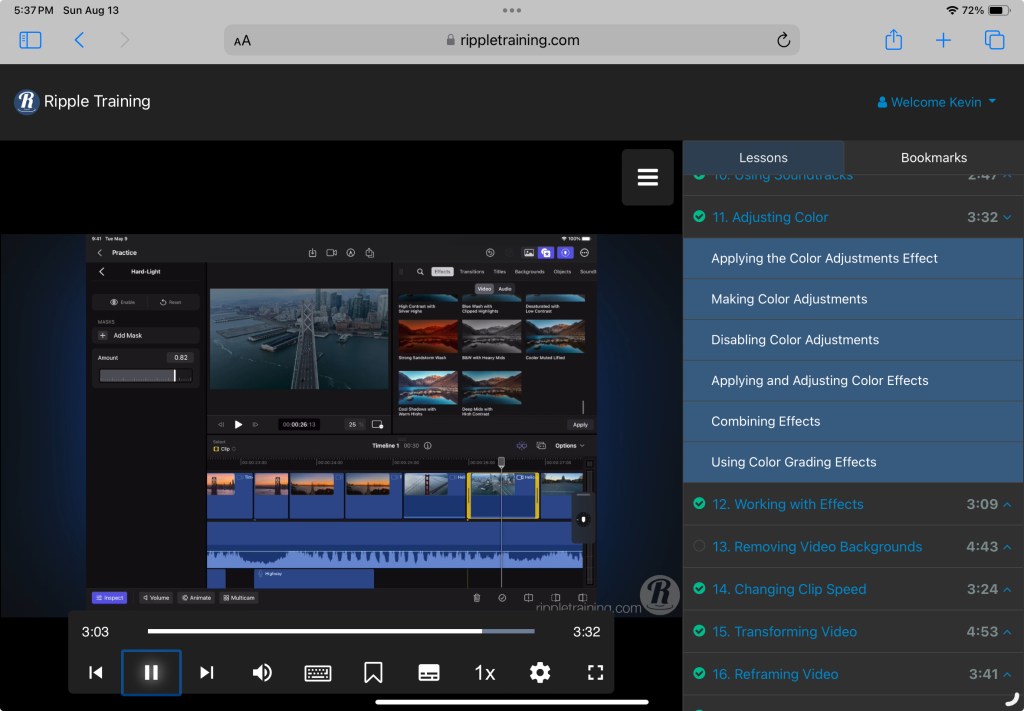
The tutorials teach basic knowledge so they may not be beneficial for someone who has a working knowledge of Final Cut Pro, but for me everything is new and interesting. Being able to watch the videos on a different screen and go through the exercise on the iPad is a good way for me to learn. The tactile experience is helping to engrain things in my memory.
I will say it again, I would recommend the course to anyone wanting to learn how to use the app on the iPad.
That’s where I will leave it for tonight. I hope you have a good night.
Today was another day of revisiting the tutorials.
I have been noticing a little washed out look to my videos so I focussed on the tutorials covering color adjustments. It’s very nice being able to adjust the video color levels.
Being able to place a mask over a portion of a video to localize the adjustment is a nice touch. The mask can also be animated to move the mask while the video plays.
Everything seems pretty simple and having the tools to correct this can help save a video.
That is where I am leaving it tonight. I hope that all of you are well.
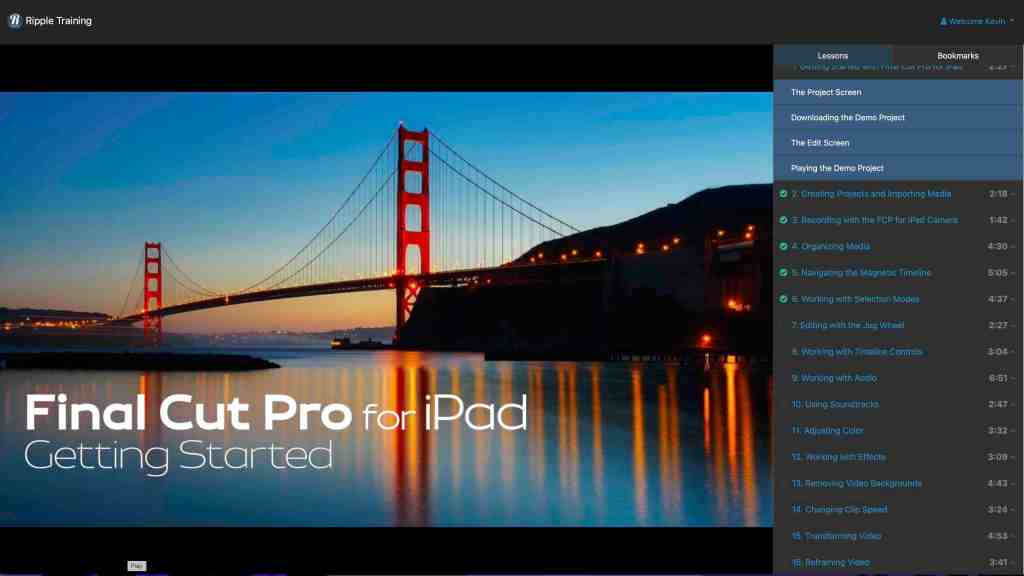
Benjamin Franklin said “Tell me and I forget, teach me and I may remember, involve me and I learn.” So I decided to involve myself by watching the tutorials again. That is a great selling point. I can go back to them any time I want and find an answer or to refresh my memory. I feel that was $20.00 well spent.
I started with the first tutorial and went through them at my own pace, unhurried. I stopped a few times when I needed and went back over some sections so I could use the tutorial as a guid for what I was playing with on my iPad.
Doing all of this helped me to figure out what I want to do next in Final Cut Pro. I began working on a little story board to figure out what I would like to shoot and to set everything in a timeline. Now I just need to get everything together.
Well that’s where I’m going to leave it for tonight. I hope you are all well.
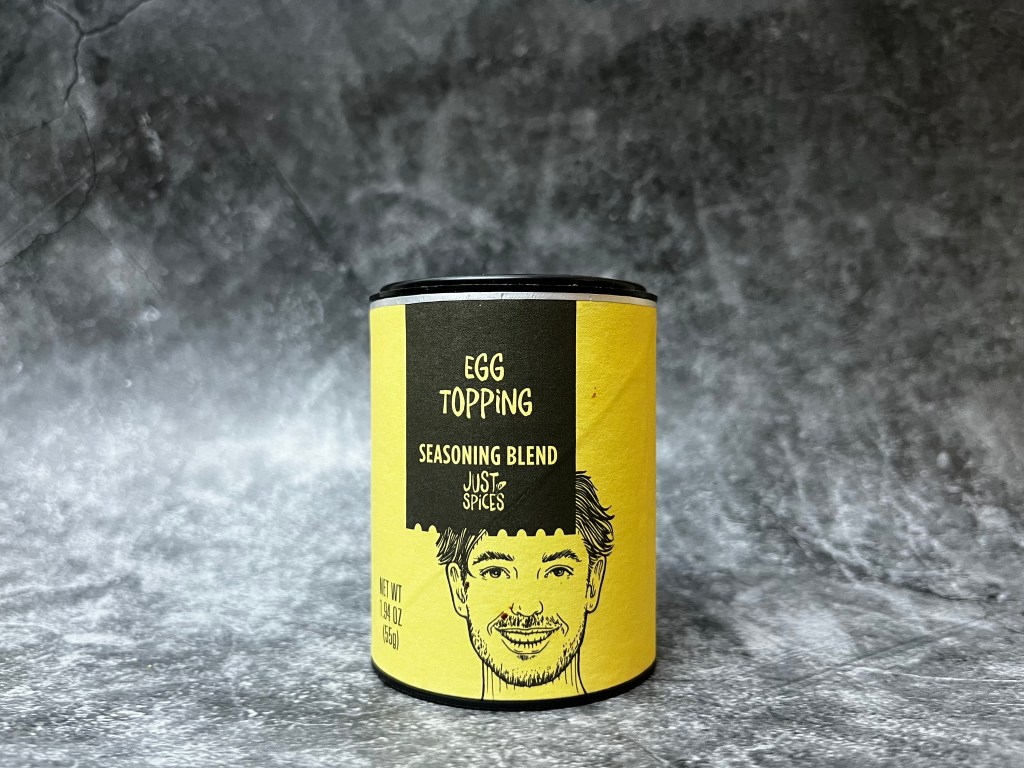
This evening has been spent repeating the video creation process for each of the twenty-four @JustSpices Seasoning Blends I have in my collection. Thanks to the template I made this has been a relatively smooth process. More a matter of making sure I had things aligned properly and then going through the export process.
About a third of the way through I began wondering if I should change the soundtrack for each video. After much consternation I decided that would be ridiculous. Quite a bit of busy work and another way to distract me from having everything finished in a timely manner.
So I resisted the urge to dive headfirst into Garage Band and waste four or five hours trying to come up with differing soundtracks. I have confined myself to the task at hand and now possess twenty-four individual blog intros.
It may not seem like a great accomplishment, but trust me, it is.
Now all I need to do are the reviews.
I also need another idea to work on with Final Cut Pro.
Mark Twain once said: “The secret of getting started is breaking your complex overwhelming tasks into small manageable tasks, and starting on the first one.”
That’s what this feels like.
I have a complex overwhelming task. My brain keeps playing the same old tapes. Why am I even trying to do this. I won’t succeed. There is no way I will ever become proficient with Final Cut Pro. No one cares. And that is where I am right now.
I am still plugging away. I worked on refining the intro. It was much quicker the second time around. I had a clear idea of what I wanted and a better understanding of how I needed to do it.
Importing the pictures was a snap and then scrubbing through them to make each the proper length took very little time.
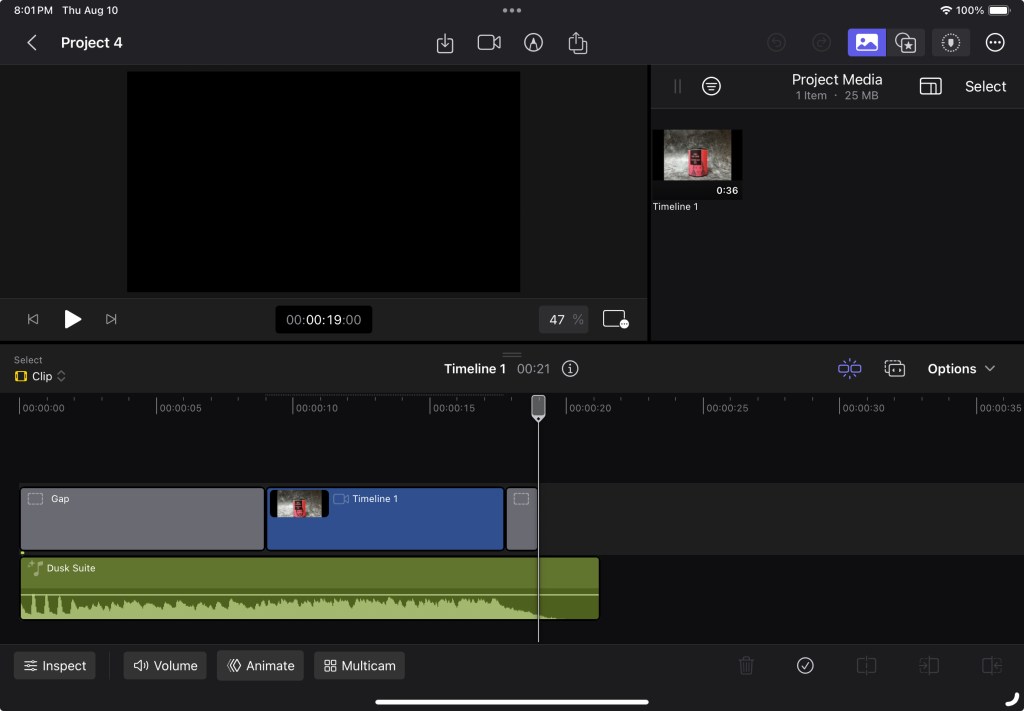
To save time I exported the video before I added a soundtrack then imported it into a different project and adjusted the playback speed until I had it where I wanted it to be.
I wanted something that would move quickly but not be too short and go by in a blur. Nine seconds felt about right and adding a place holder for the subject of the review would allow me to make subsequent videos easily.
The hardest part was getting the soundtrack to be the length that I needed. I ended up having to add a filler to the beginning of the timeline and adjust the soundtrack so it began and ended where I wanted it to. The I exported it and airdropped it to my phone. I trimmed the video on my phone and airdropped it back to my iPad. There may be an easier way to do this, but I do not know it.
I made a new project, imported the video, and named it “Template” so I remember to not delete it.
I am going to make all of the intro videos I need and save them to an external hard drive, so I have them in a safe place to grab them from when I need them.
I am hoping it will be as easy as that sounds.
That is about it for tonight. I hope all of you are well.
Well Moo has been particularly needy tonight and has insisted on sitting in my lap or on my laptop.
I prefer that he not sit on my laptop so he has to settle for my lap. This has led to an endless amount of paw taps and nose boops and has made typing almost impossible.
Sorry, but nothing new to report on the Final Cut Pro front.
I had to figure out a way to hold the @JustSpices containers in the same spot for each picture without being complex or visible in the pictures. I also had to anchor the camera so it didn’t move throughout the process.
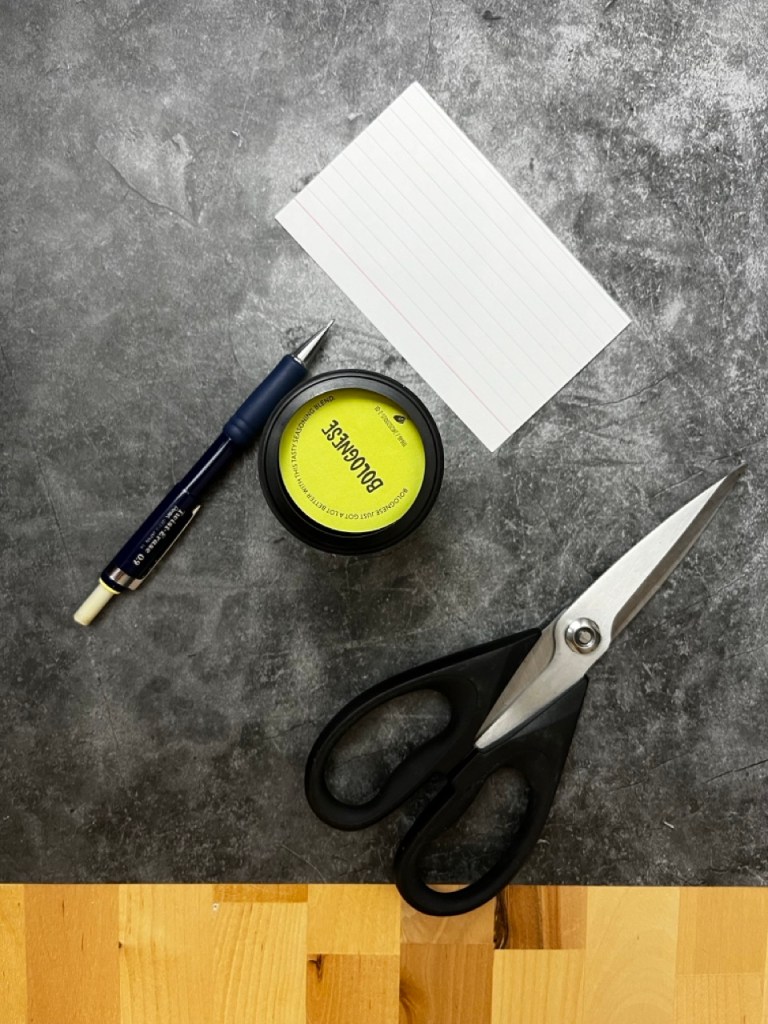
The containers have a plastic top and bottom. Both have a cavity. I couldn’t use the top to anchor the container without it being visible. I would need to put something under them. It needed to hold each in place but at the same time allow the containers to be switched easily.
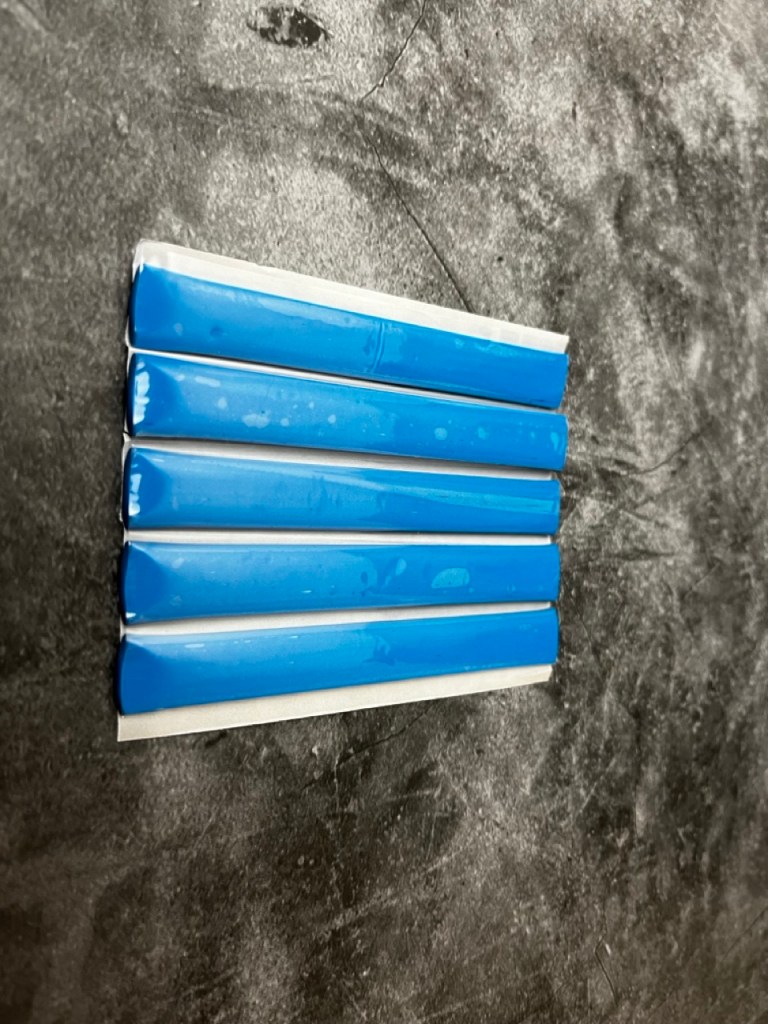
I decided that a disc, slightly smaller than the inside diameter of the cavity would be the best solution. Each container would end up in the same relative spot in relation to the camera and the backdrop. It would also allow the containers to be switched out easily. Using a small piece of modeling clay would keep the disk in place but not have the potential to damage my backdrop.
I used some modeling clay to anchor the camera stand and to make sure the camera didn’t move I used my watch to trigger the shutter.
After everything was set up I took all of the photos that I would need. The amount of time it required was much shorter than previously. I would like to think the ease was at least in part a result of my planning but can’t swear to it.
I did not have time today to research making a short video in Final Cut Pro to see if there was an easier way to string the pictures together and sync the soundtrack to such a short video.
That’s all for tonight. I hope that you all are well.












 My Final Cut Pro