Today was another day of revisiting the tutorials.
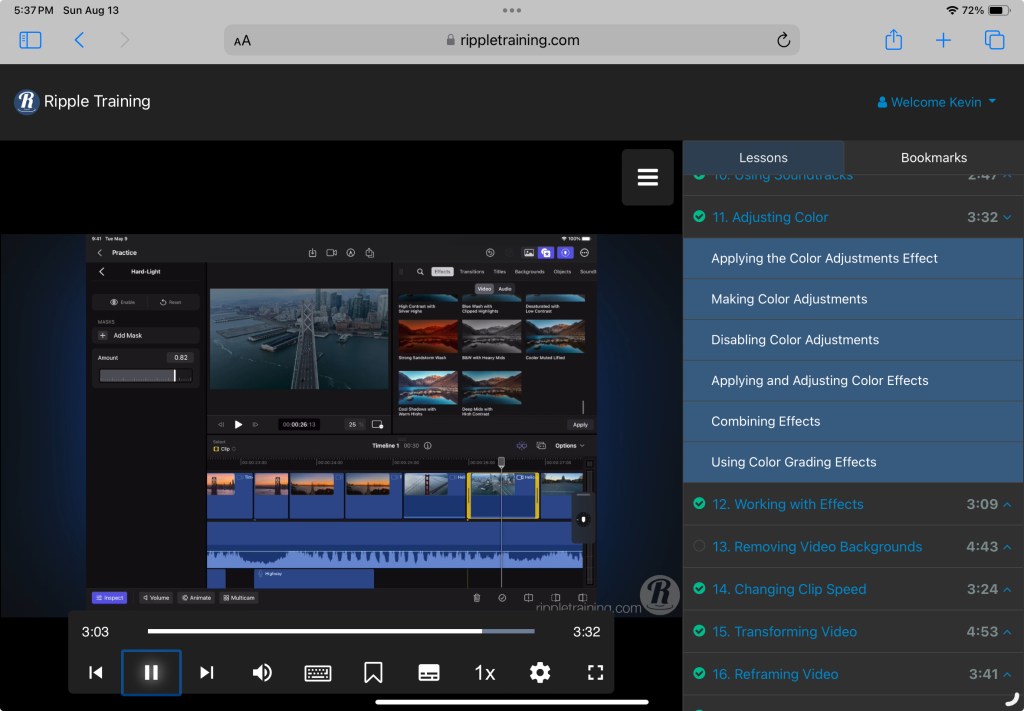
I have been noticing a little washed out look to my videos so I focussed on the tutorials covering color adjustments. It’s very nice being able to adjust the video color levels.
Being able to place a mask over a portion of a video to localize the adjustment is a nice touch. The mask can also be animated to move the mask while the video plays.
Everything seems pretty simple and having the tools to correct this can help save a video.
That is where I am leaving it tonight. I hope that all of you are well.
Benjamin Franklin said “Tell me and I forget, teach me and I may remember, involve me and I learn.” So I decided to involve myself by watching the tutorials again. That is a great selling point. I can go back to them any time I want and find an answer or to refresh my memory. I feel that was $20.00 well spent.
I started with the first tutorial and went through them at my own pace, unhurried. I stopped a few times when I needed and went back over some sections so I could use the tutorial as a guid for what I was playing with on my iPad.
Doing all of this helped me to figure out what I want to do next in Final Cut Pro. I began working on a little story board to figure out what I would like to shoot and to set everything in a timeline. Now I just need to get everything together.
Well that’s where I’m going to leave it for tonight. I hope you are all well.
First off let me say that the program is Final Cut Pro for iPad, not Finalcut Pro like I called it on Day 1. My bad.
To begin the learning process I have attempted to locate a downloadable version of the Final Cut Pro for iPad user’s guide. I found the Mac version of the user’s guide in Books and, though I do see references to the iPad in the guide, it does not appear to have all of the information to assist with learning Final Cut Pro on the iPad.
I may be missing something, but there does not seem to be a downloadable version of the user’s guide for Final Cut Pro on iPad. I find the on-line version with no problem. I don’t know if I have missed a button or a link, but I cannot find a way to download it. It seems like it should exist though. There is a nice guide for the Mac version
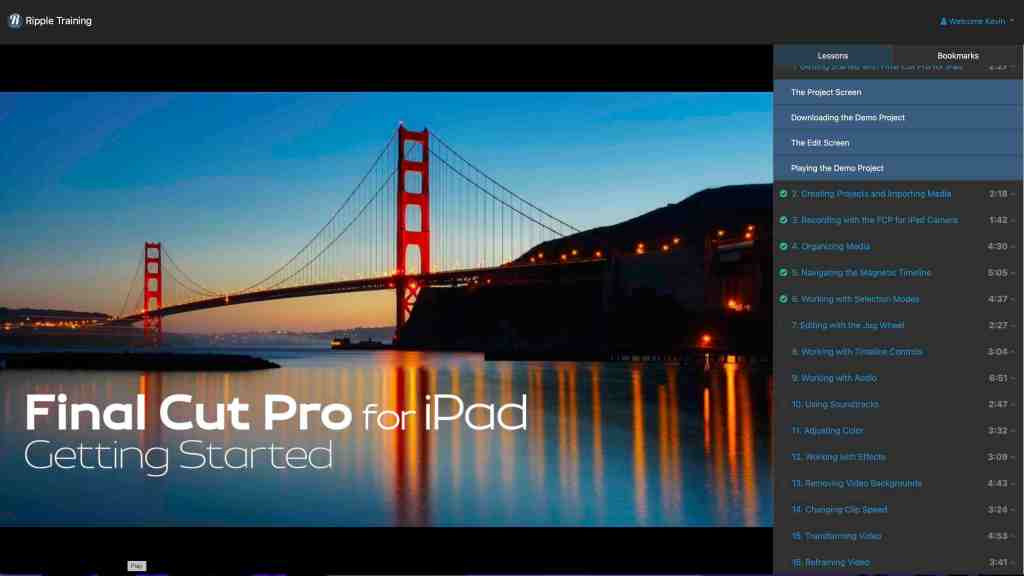
While I was going down the user’s guide rabbit hole I came across a series of tutorials offered by www.rippletraining.com.
Full disclosure: I am not receiving any compensation for mentioning Ripple Training or the @rippleguys on YouTube.
After looking at reviews and some of their YouTube content I decided to purchase this series of videos. The cost was only $19.00 US and looks like they cover all the basics. For $19 what is the downside?
The purchase also says that it will entitle me to any future additions to the tutorial series. I have no experience with Ripple Training so I don’t know if this is something they do for other tutorial series or not. I will let you know if anything is added.
I have begun watching the videos on my laptop while trying to emulate the instructions on my iPad. This has elicited this look from my Cat Moo.
He is not happy that I have another distraction.
The videos are easy to follow. I have needed to go back over some portions to make sure I am catching everything. Other than that they seem to cover things in a logical progression.
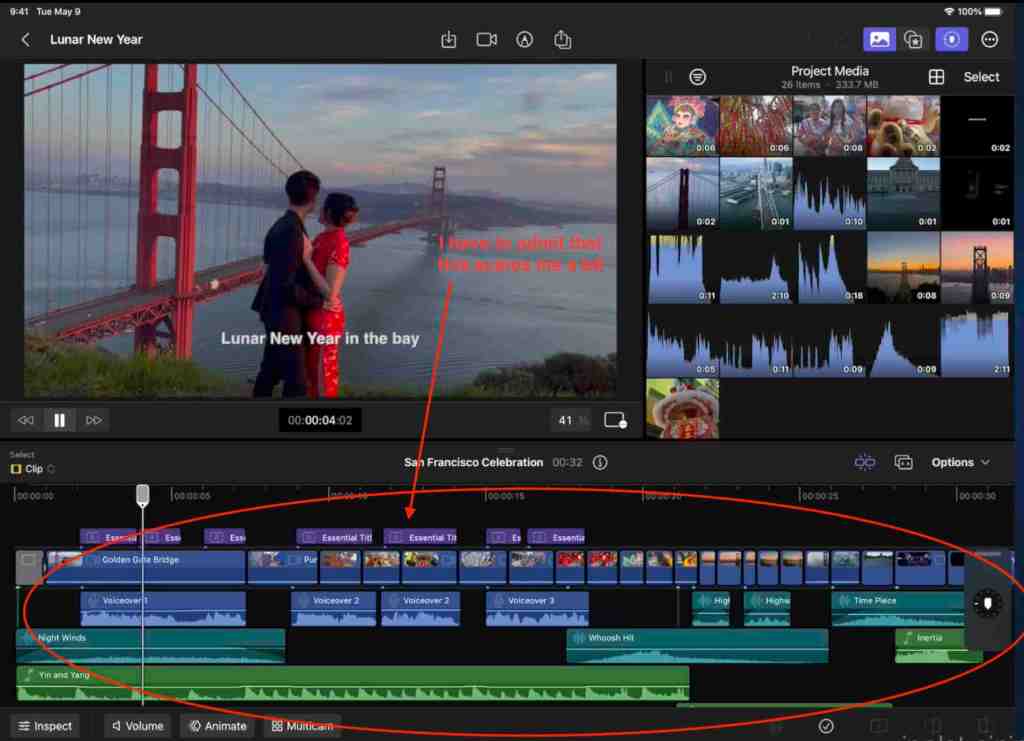
One thing that does rattle me a little is the amount of things that seem to be required for a “good” video.
I may have bitten off more than I can chew but I am determined to be better at editing video by the time I’m done with the tutorials than I am today.
I never realized how much work goes into a short video and now have a greater appreciation for those individuals who do this daily.
FYI. I posted the question about a downloadable user’s guide in the @Apple community and a few people have responded that there is no iPad version only the on-line one.




 My Final Cut Pro