@Apple, @rippleguys, Final Cut Pro, iPad Air, M1, Project, Tutorials, Video

Day 22 – There are no uninteresting things….

G.K. Chesterton said, “There are no uninteresting things, only uninterested people.”
I feel the need to apologize for my activity, or lack thereof. What I find interesting, going back over the Final Cut Pro tutorials and doing research online, is interesting for me but I don’t think others are finding it the same. For me, reviewing and studying how to use the app is bringing me closer to my goal. That makes it interesting to me but me writing about it may not be interesting to anyone else.

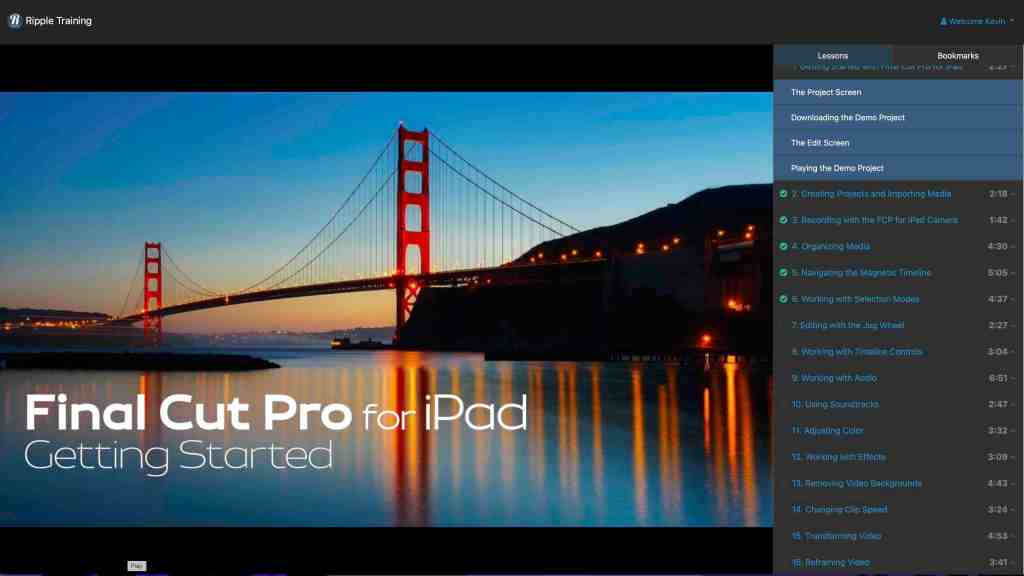
The tutorials teach basic knowledge so they may not be beneficial for someone who has a working knowledge of Final Cut Pro, but for me everything is new and interesting. Being able to watch the videos on a different screen and go through the exercise on the iPad is a good way for me to learn. The tactile experience is helping to engrain things in my memory.

I will say it again, I would recommend the course to anyone wanting to learn how to use the app on the iPad.

That’s where I will leave it for tonight. I hope you have a good night.

@Apple, @rippleguys, Final Cut Pro, iPad Air, M1, Project, Video

Day 20 – Tell me and I forget….

Benjamin Franklin said “Tell me and I forget, teach me and I may remember, involve me and I learn.” So I decided to involve myself by watching the tutorials again. That is a great selling point. I can go back to them any time I want and find an answer or to refresh my memory. I feel that was $20.00 well spent.

https://www.rippletraining.com Check them out.

I started with the first tutorial and went through them at my own pace, unhurried. I stopped a few times when I needed and went back over some sections so I could use the tutorial as a guid for what I was playing with on my iPad.

Doing all of this helped me to figure out what I want to do next in Final Cut Pro. I began working on a little story board to figure out what I would like to shoot and to set everything in a timeline. Now I just need to get everything together.

Well that’s where I’m going to leave it for tonight. I hope you are all well.

@Apple, @rippleguys, Final Cut Pro, iPad Air, M1

Day 5 – Organization is key (words)….

It’s day 5 and I have watched all the tutorials, both those I purchased and the ten (I Believe) that have been added since. This confirms that the @RippleGuys were telling the truth.

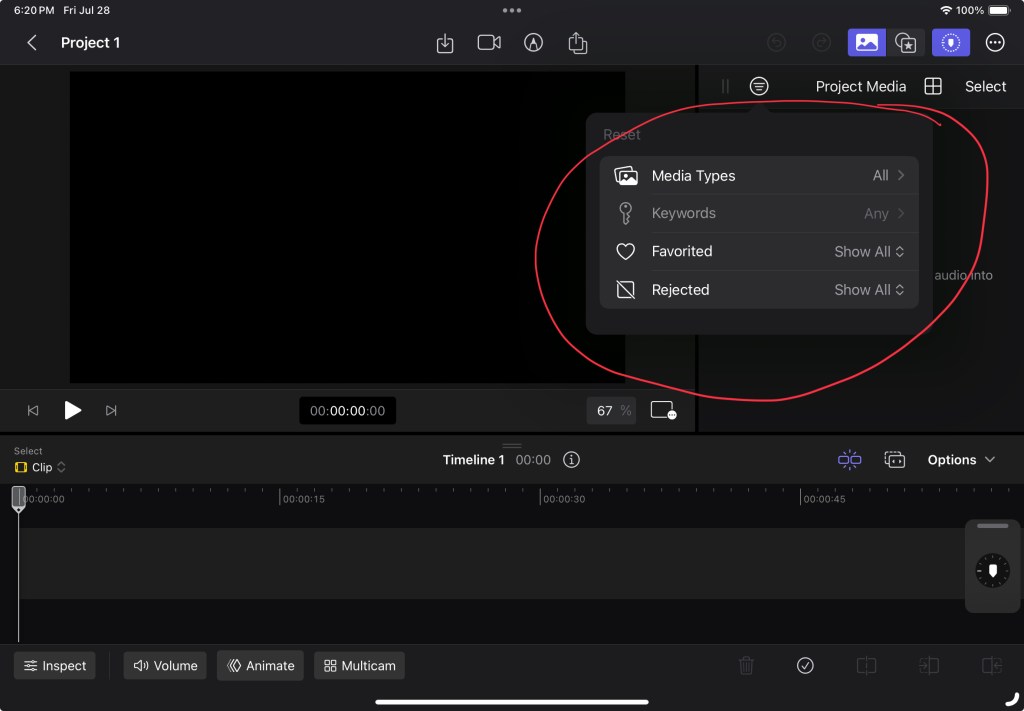
This morning I decided I needed to watch the Organizing Media tutorial again. I believe that this will be very handy keeping everything, you know, organized. 

It looks straight forward. I can make some clips favorites, sort in various ways, adjust clips before adding them to a project, and add key words (which can help to organize clips by subjects. All will be very helpful.

I also like being able to touch the screen to work on a project. I mean Final Cut Pro on a Mac is great but there is something about touching a scree to make things happen.

It will take a lot of practice to become confident with all of the functions but that is half of the fun. I am liking this more each day.